
 Get started
 Log in
Family Access Toolkit for Teachers
Your parents and students can only benefit from Family Access if they know about it. We’ve provided a few resources to help you spread the word!
Getting started
Using Family Access
Resources
10 Things Every Teacher Should Know in Skyward
Whether you’re new to Skyward or have been using it for years, check out this video for the 10 tools to master.
Conference Scheduling
Give this to parents to quickly and conveniently schedule parent-teacher conferences through Family Access.
Family Access Handout
Awareness is the key to engagement. Keep a stack of these handy for parent-teacher conferences, drop-in meetings, and open houses.
Family Access Mobile App Handout
Let parents and students know they can take Family Access with them on the go! Download and distribute this handout during conferences and other school events.
Family Access Mobile App Poster
Hang this poster in your classroom, especially during conferences when parents are likely to see it.
Family Access Poster
Awareness makes all the difference. Hang these posters in your classroom for maximum visibility.
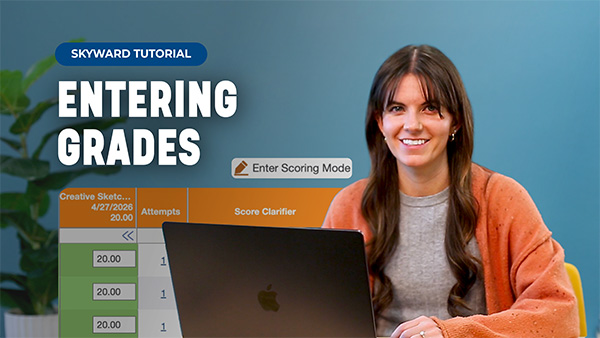
Get the Most from the Skyward Gradebook
Designed by teachers for teachers, the Qmlativ gradebook makes life as a classroom leader a little bit easier.
Graduation Planning Parent Handout
Big-picture visibility for parents and students to make better long-term decisions.
Introducing the Qmlativ Mobile App
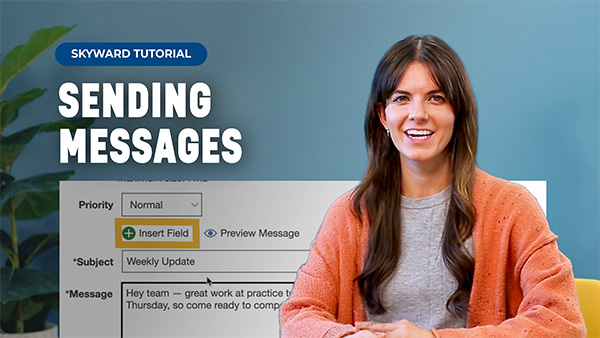
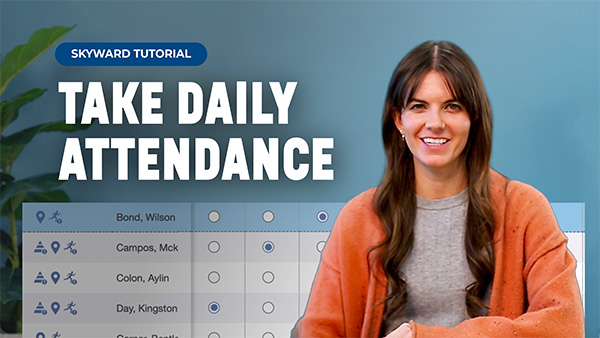
Take attendance, send messages, manage gradebooks, and more in the Qmlativ mobile app.
Skyward Insider Newsletter
Stay informed on all the latest Skyward enhancements and services by subscribing to our Skyward Insider Newsletter.
The Golden Minute
Did you know by spending one additional minute on school-home communication each week, you can have a profound impact on attendance and dropout rates?
Two Tips for Teachers
We’re spotlighting two Qmlativ tools — one that will save time and another to make parent communication easier.
Frequently Asked Questions
Please contact your technology department for a password reset. For security purposes, we do not have access to your account information and are not able to view or update your credentials on our end.
Much of that has to do with your school district's unique security settings. It's also possible your district's contract with Skyward does not include all the features depicted. Please contact your technology department with any questions or suggestions you have regarding the features available to you.
Our team regularly uses input from Skyward users like you to help determine product updates and new features. We'd love to hear your feedback! Talk to your school’s Skyward administrator about submitting a Request for Enhancement or make your voice heard by signing up for our User Research Panel.
The best place to start is your internal Skyward support team. The designated Skyward contacts at your district are knowledgeable and can submit service calls as needed for the quickest possible resolution. Additionally, you can press the "Help" or "SkyDoc" button from anywhere in the software for assistance. We've also got all kinds of resources on our support page.