Get started
 Log in
New Student Online Enrollment
Your new families shouldn't be subjected to the DMV experience. Why not make the process easy on parents and registrars alike?
Share this tipTranscript
No one likes waiting in line. Whether it's at the airport, DMV, or the voting booth, the simple fact is, waiting's not fun...
Hi, my name's Justin.
No one likes waiting in line. Whether it's at the airport, DMV, or the voting booth, the simple fact is, waiting's not fun.
Many schools are saving money and giving parents a great first impression with Skyward's New Student Online Enrollment.
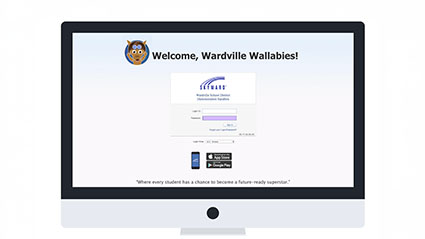
Creating User Names and Passwords
The first stage is having guardians create usernames and passwords to access the online portal. They'll simply enter their names and a method of contact.
Guardians can select a different language using the translate feature at the top.
Reviewing the Application
Once they're set up, guardians will log in to begin stage two.
They'll click "Review/Update the Application," then go through various steps to submit student, family & guardian, medical & dental, emergency contact, and immunization information.
This is where they'll submit requested documents and fill out additional online forms.
Once completed, they'll submit the application for processing.
Processing the Application
In stage three, your registrars will approve or deny the application.
Click "Check for Matches" to ensure you are not duplicating any name record into Skyward.
Review all the data that was entered by the family.
If anything needs to be modified, do so at this time.
To approve, simply click Approve Application.
Any additional processes that assign fees to students or produce records like food service identifiers can be completed now, just as they would during a normal registration process.
Eliminate time-consuming tasks for guardians and staff, and start each student's experience at your school on a positive note.
Work smarter with Skyward's New Student Online Enrollment.
Stay tuned for more Quick Hits for superintendents coming soon.
Watch More From Administration
Tardy Kiosk

Automated Detentions