Get started
 Log in
Qmlativ Update: Sending Progress Reports
|
Lauren Pozorski Blogger, Traveler, and Video Talent |

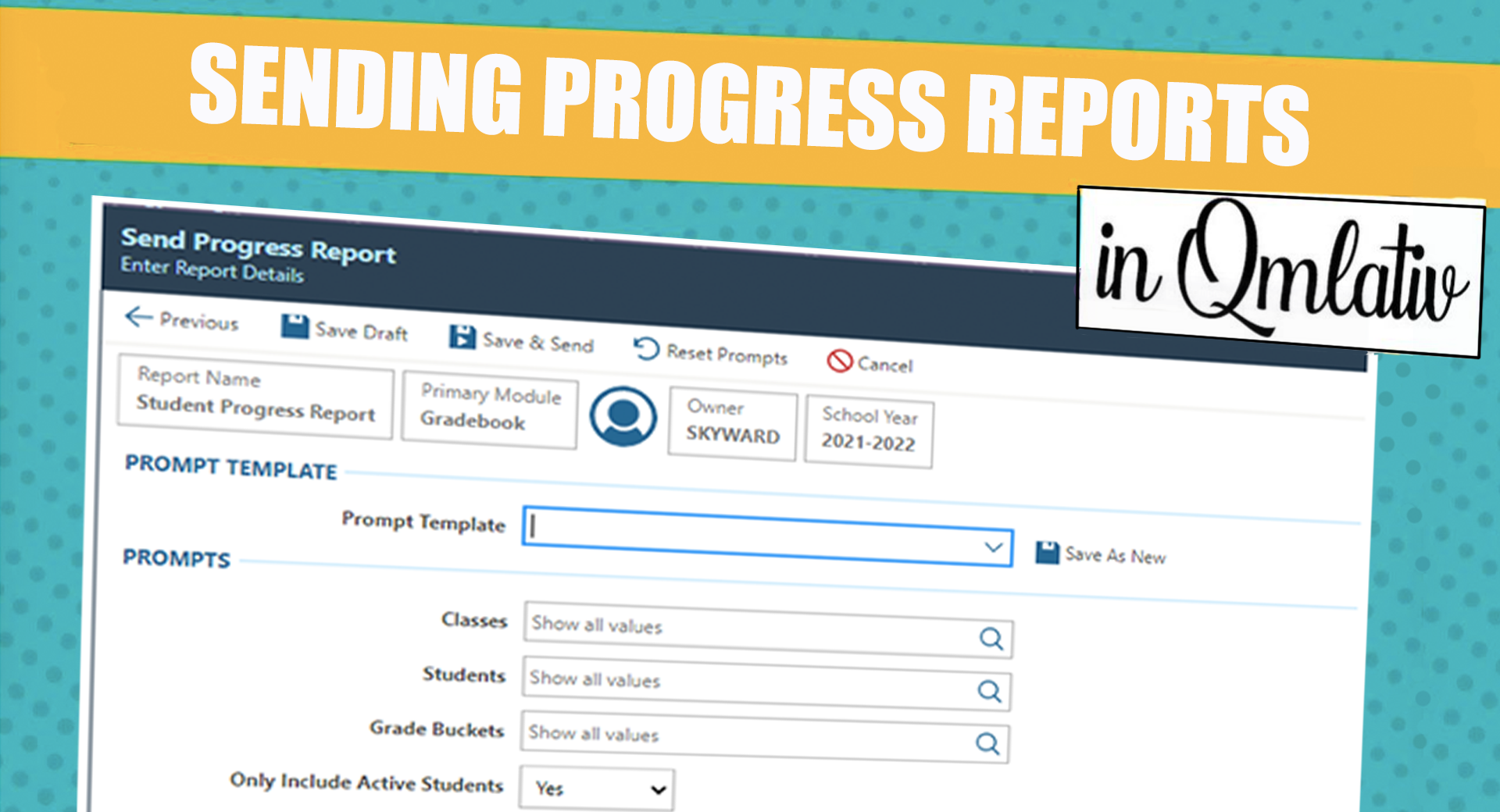
Whether you’re new to Skyward or have been with us for decades, hopefully you know we value your feedback. You shape our software, and we’ve got an example we’re excited to share with you today: sending Progress Reports.
The ability for teachers to email Progress Reports to guardians was a top ask in the Product Ideas Portal. In fact, it was the most popular request in the Product Ideas Gradebook forum (with 71 votes) and the fourth most popular among all Product Ideas entered. You asked and we built it!
What is it?
Teachers need simple, effective ways to connect with guardians and share students’ progress. The ability to email Progress Reports gives teachers another direct line of communication with guardians, which can help improve engagement and encourage long-term student success.How does it work?
In Teacher Access, teachers can select the new Send Progress Report option. Here they can create multiple Progress Report templates and schedule when/how frequently they should run. This flexibility will allow teachers to send a variety of Progress Reports. For example, they could send a weekly D and F Progress Report to guardians of students meeting those criteria, as well as a monthly Progress Report to the entire class.Before sending a report, teachers can run a draft preview to confirm they like what they’ve configured.
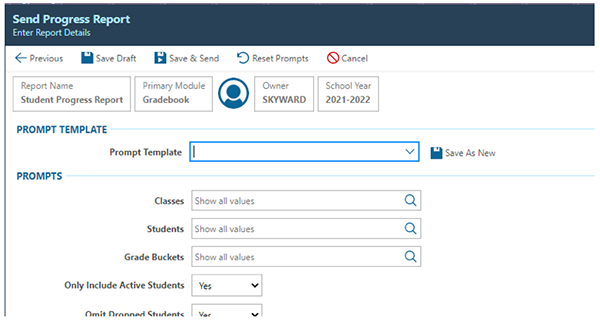
When the Progress Report is sent, the recipient will be notified via My Messages and via email.
How can I get started?
If you’re interested in using this new feature in your district, you’ll first need to turn it on. You can grant access for teachers in Teacher Access Menu Security by going to Gradebook > Send Progress Reports.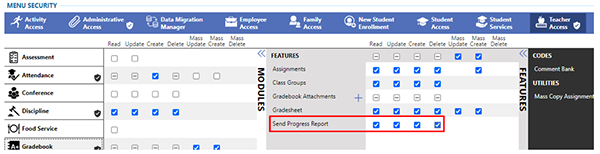
We’ve updated our Help Center documentation and created a What’s New video to share more about this new feature. Be sure to check them out!
We hope sending Progress Reports will be beneficial for your district’s teachers and families. As always, please continue sharing your ideas and feedback in the Product Ideas Portal. We appreciate hearing from you!
Follow-Up Resource: Make Your Voice Heard with the Product Ideas Portal
We are committed to making Skyward the most helpful, user-friendly software out there—but we need your help. Learn more about how you can help develop Skyward by contributing to the Product Ideas Portal.Thinking about edtech for your district? We'd love to help. Visit skyward.com/get-started to learn more.
|
Lauren Pozorski Blogger, Traveler, and Video Talent |
Lauren enjoys visiting school districts and spreading the word about creative, non-traditional approaches to universal challenges. Follow her for on-the-scene reporting (with a little fun sprinkled in) and tips on how to enjoy a better Skyward experience.