Get started
 Log in
March 12, 2022 • read
Qmlativ Spotlight: Activity Accounting
|
Lauren Pozorski Blogger, Traveler, and Video Talent |

Lauren Pozorski
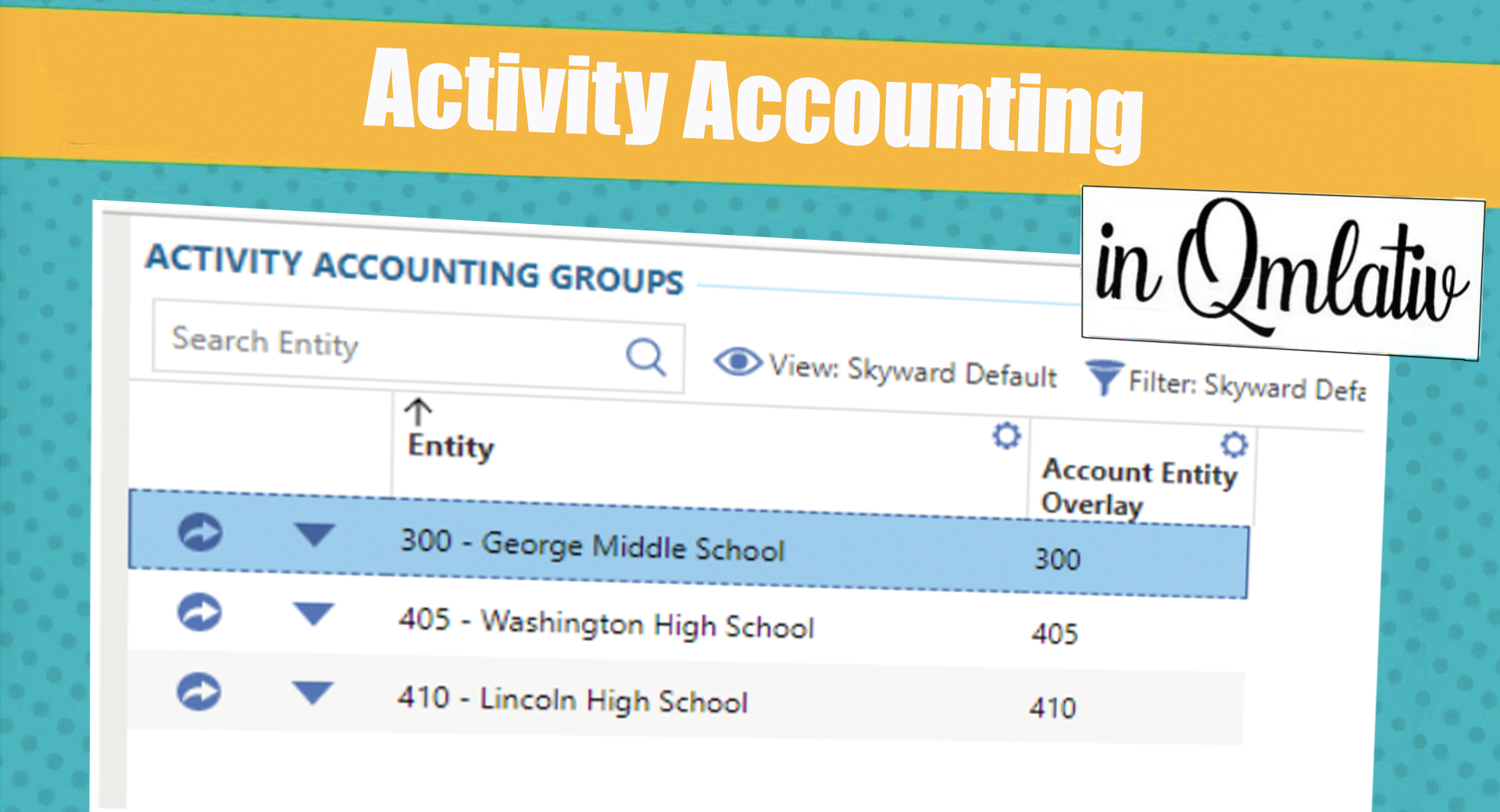
Basketball, yearbook, theater, school trips . . . When all these activities are managed in bulk, it can be difficult to identify inconsistencies, or even fraud. By separating the accounting for your district’s clubs, Activity Accounting makes it easy to keep tabs on each group’s finances. Let’s take a look!
What is Activity Accounting?
Activity Accounting provides a simple way to stay organized while delegating business operations (cutting checks, writing POs, reconciling bank statements, etc.) to the school level. Since you can’t accidentally use a district-level bank account with an activity-level account, it also ensures you will balance by funding and entity.With Activity Accounting, you can:
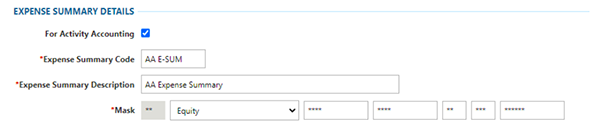
Define separate summary accounts for activity accounts. You can even define an account dimension that indicates a location, such as high school or middle school, and which funds are considered activity funds.
Separate processing for cash receipts, credit card transactions, invoices, journal entries, and purchase orders by location.
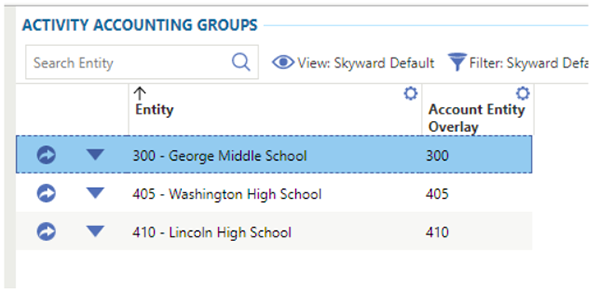
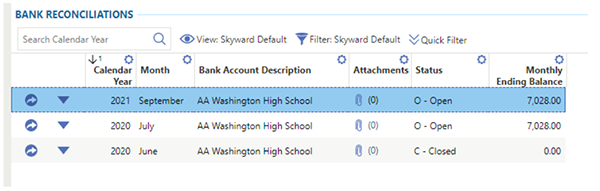
Ensure activity is only posted to specific accounts and maintain separate bank reconciliations for each location. These reconciliations are secure—a high school, for example, will only be able to access the high school bank reconciliation.
What are some best practices?
For first-time users...- Before you begin using Activity Accounting, figure out what fund your state requires for activity.
- Determine how you will organize your activities, and what part of the account string will designate the activity (football, basketball, etc.).
- Ensure somewhere in your account structure there is a dimension that designates a campus/building.
For districts already using Activity Accounting...
- Begin to delegate bank reconciliations to school-level staff.
Many school districts have to work around processes and technology that aren’t aligned with the way K-12 accounting actually works—but you don’t have to! Enjoy separated activities and an accurate ledger with Activity Accounting.
Follow-Up Resource: Position Management and Traveling Staff
Time tracking. It’s one of the greatest expenses in a district, and also one of the most susceptible to fraud and waste. If you’re not taking advantage of Skyward’s time tracking, position management, and budgeting features, we're here to help.Thinking about edtech for your district? We'd love to help. Visit skyward.com/get-started to learn more.
|
Lauren Pozorski Blogger, Traveler, and Video Talent |
Lauren enjoys visiting school districts and spreading the word about creative, non-traditional approaches to universal challenges. Follow her for on-the-scene reporting (with a little fun sprinkled in) and tips on how to enjoy a better Skyward experience.