Get started
 Log in
Maintaining Social Distance with Online Enrollment
|
Lauren Pozorski Blogger, Traveler, and Video Talent |

A lot has changed in the last few months. Whether you’re struggling to maintain your sanity at home…

...or think social distancing is the best thing since sliced bread...
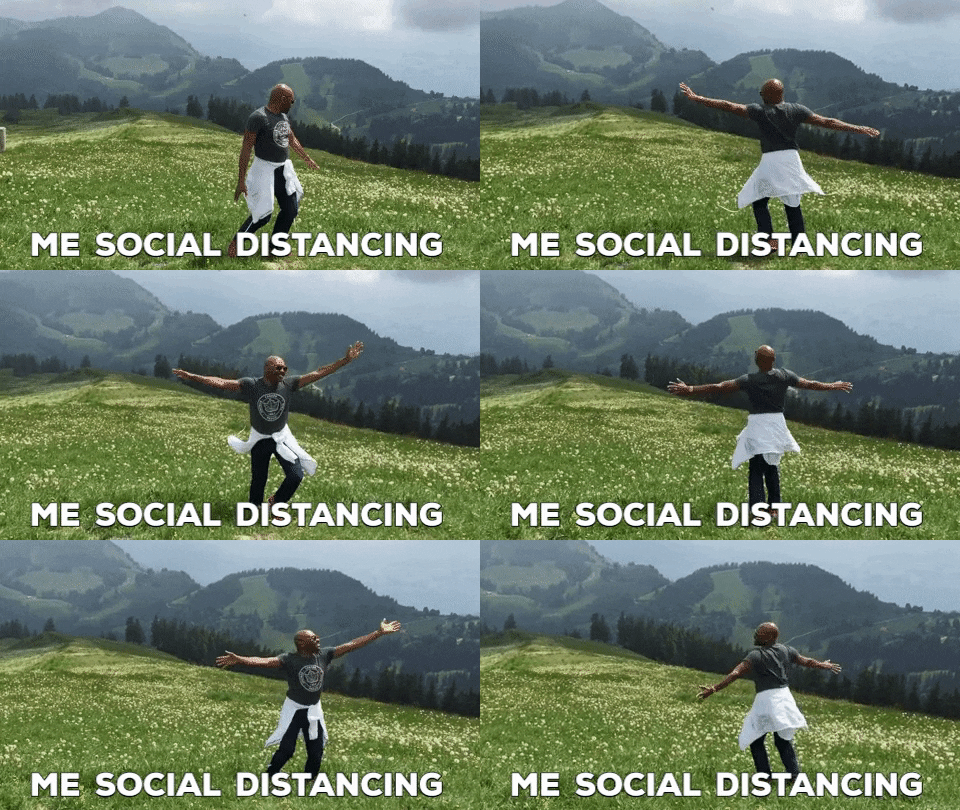
…one thing remains the same: we just can’t do life the way we’ve always done it.
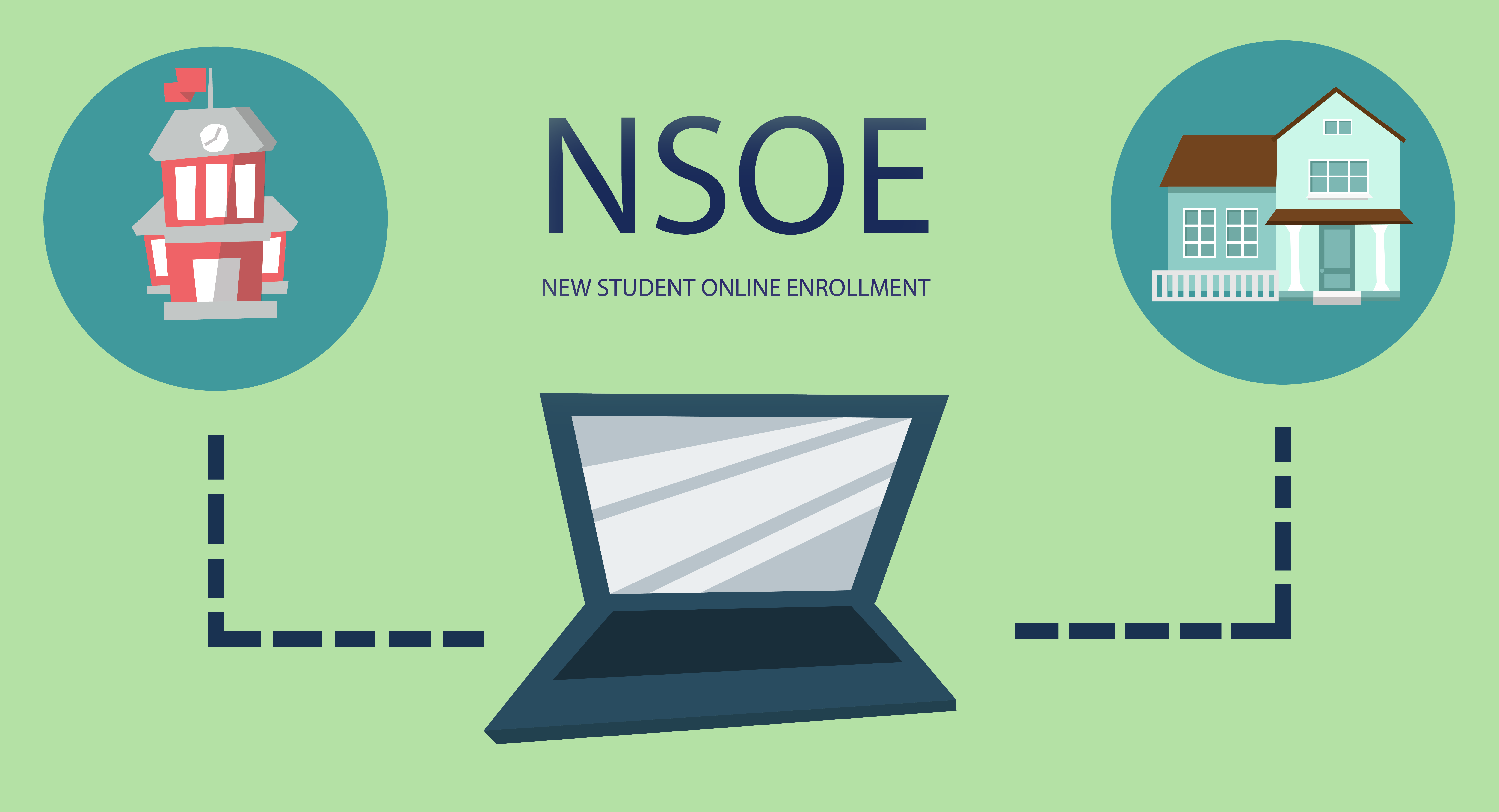
Today we’re going to tackle the challenge of new student enrollment. Did you know Skyward can help you move this entire process online? Check out our video chat with Bill Young to find out how his district is using NSOE and why it just might be the key you’ve been looking for to make your district’s enrollment process quicker, simpler, and social-distance friendly.
If you’re interested in learning more about NSOE, check out this Quick Hits tutorial or get in touch with our team.
Dive deeper into GPISD's switch to online enrollment in this case study.
Follow-Up Resource: Remote Readiness Toolkit
For each new challenge you face, there is a new solution. Find more Skyward solutions in the Remote Readiness Toolkit.Thinking about edtech for your district? We'd love to help. Visit skyward.com/get-started to learn more.
|
Lauren Pozorski Blogger, Traveler, and Video Talent |
Lauren enjoys visiting school districts and spreading the word about creative, non-traditional approaches to universal challenges. Follow her for on-the-scene reporting (with a little fun sprinkled in) and tips on how to enjoy a better Skyward experience.